
The image is already loaded when the editor opens.
Edit image creates the next image conversation from the asset you picked instead of sending you into a blank workflow.
Image Editing
just4o already exposes Edit image on generations, uploaded images, and saved Wikipedia tags. When you click it, the editor opens with that image already loaded so the next pass starts from the actual source you picked.
This is the path for cleanup, relighting, restyling, and production polish once the image direction is already clear.
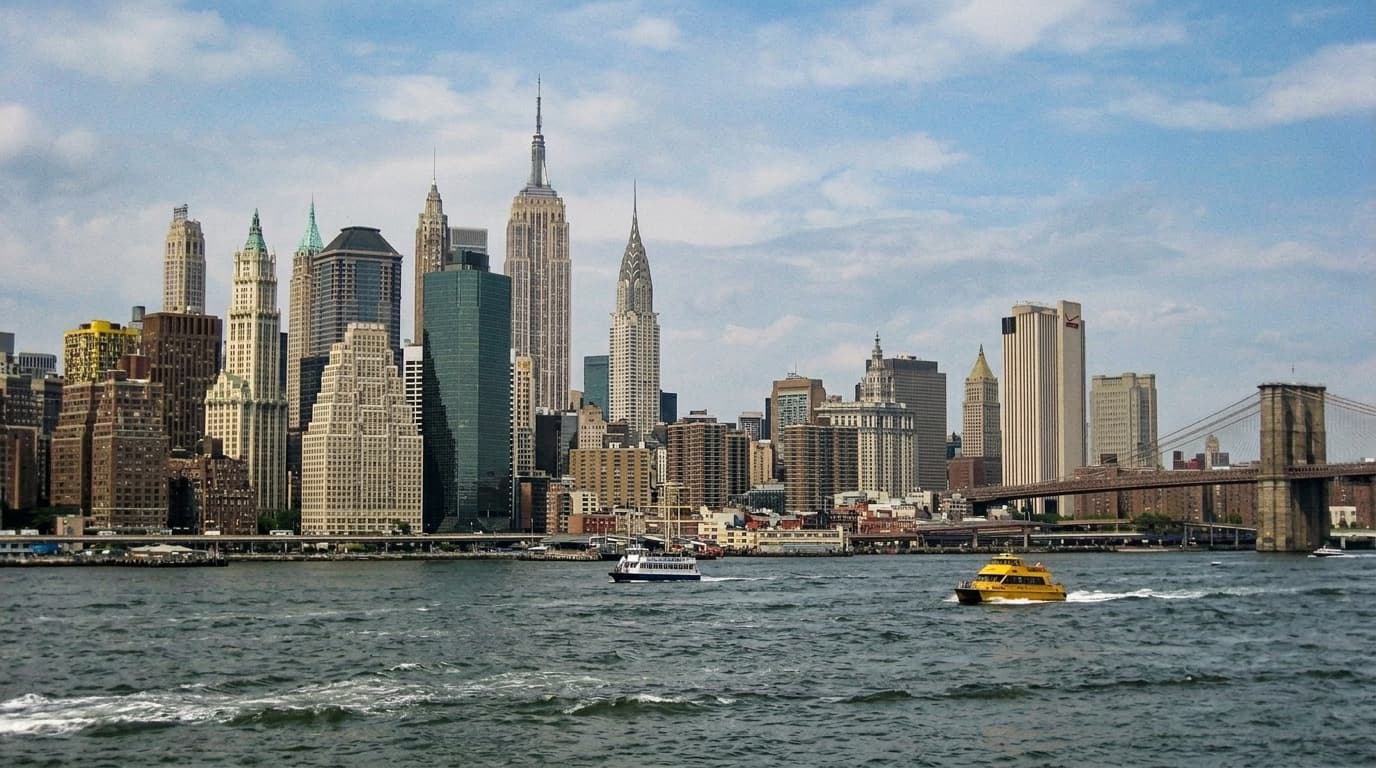 Edit image
What opens
A new editor conversation with the source already in place.
What the feature is for
The point of image editing in just4o is not to start over. It is to take a generation, an uploaded asset, or a saved research image and continue from the version that already revealed what the image should be.
That matters for real work. A product shot may need cleanup, a generated scene may need a better lighting pass, or a tagged Wikipedia image may need to be turned into something more interpretive. The editor gives those jobs a direct path instead of forcing you back into a blank generation surface.
In the product today, the valid starting points are already there: generations, uploads, and saved tags all expose the same Edit image action.
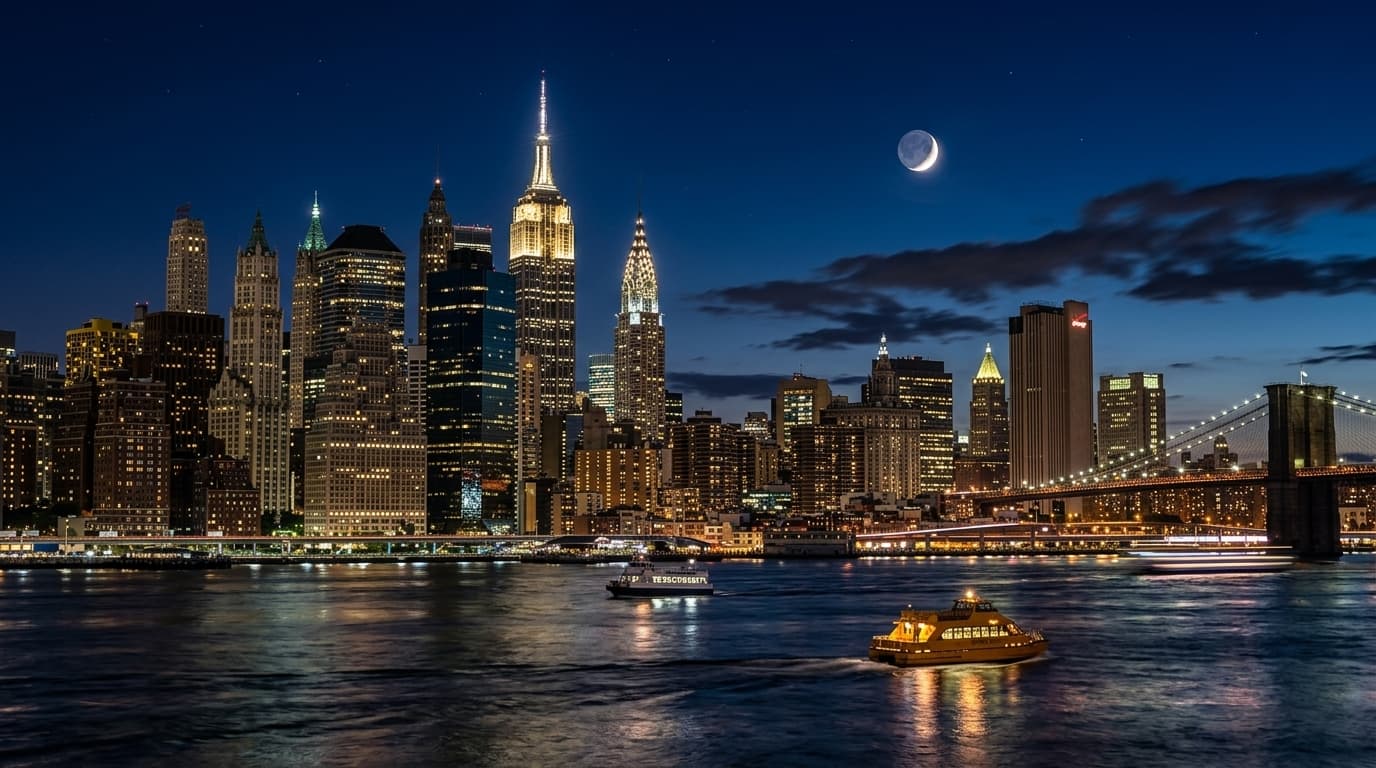
Inside the editor
That is the real advantage of the workflow: the image, the request, and the visual context stay together instead of getting split across separate tools.
The image is already loaded when the editor opens.
Edit image creates the next image conversation from the asset you picked instead of sending you into a blank workflow.
The prompt stays directly under the active image.
That keeps the request tied to the thing you are changing, which is what makes follow-on passes feel fast instead of awkward.
Iterations, references, and project media stay with the same job.
You can keep refining one image thread without rebuilding the visual context every time you want another pass.
Open Images and keep working from the image you already chose.
Start from a generation, an upload, or a saved tag, then keep the next pass inside the same editor until the image is right.